
The app for employees
They sign contracts and addenda on their phone, have your documents at hand and send detail changes to you for approval. No printing and no trips to the office.
Shifts in the phone calendar
Employees with planned shifts will also see them in their phone’s calendar.
How it works
What employees handle themselves
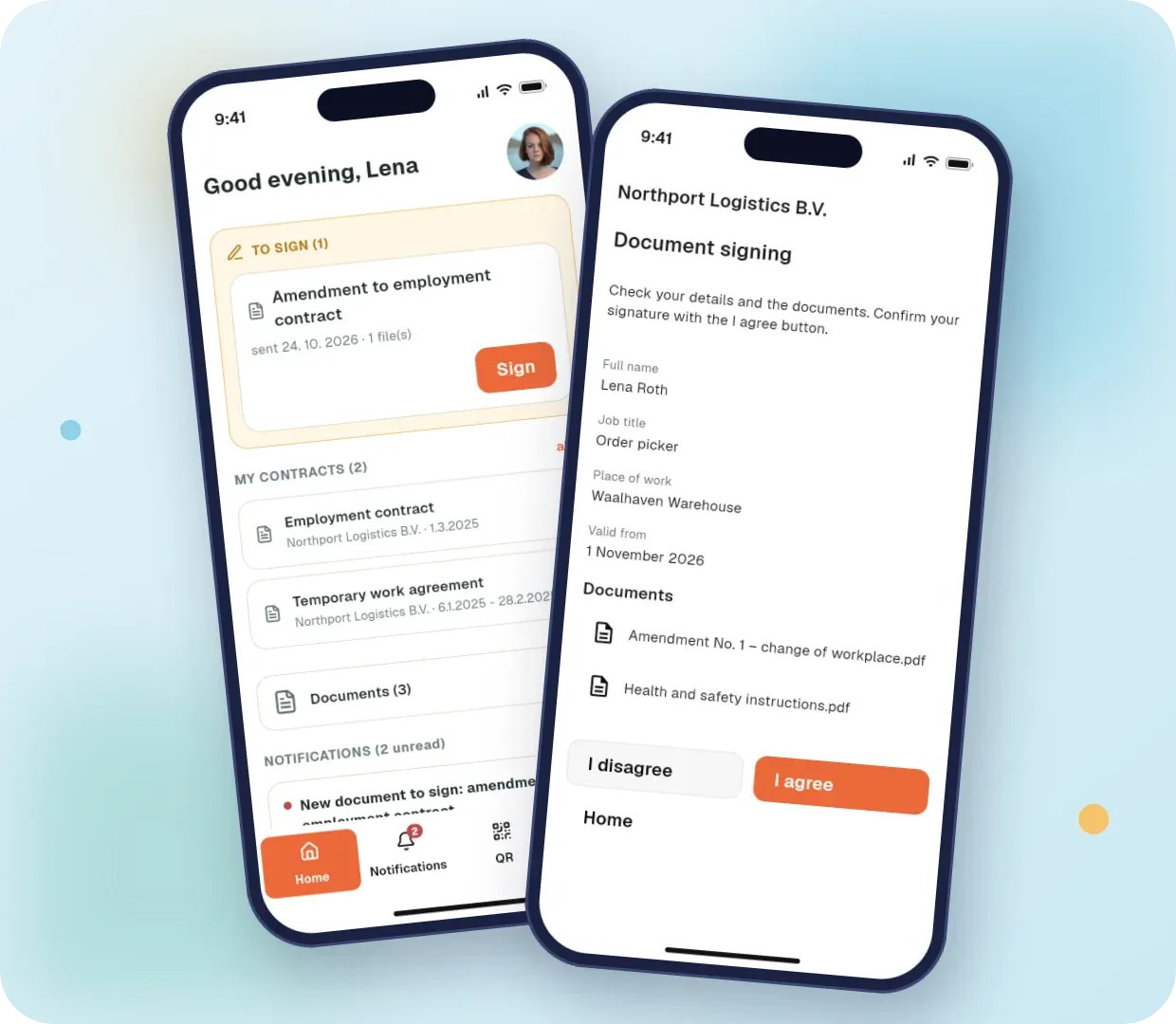
What’s waiting for signature, at a glance
After logging in, employees immediately see documents to sign, their contracts, documents from you and notifications.
- Documents to sign on the first screen
- Overview of contracts and documents
- A notification when a new document arrives
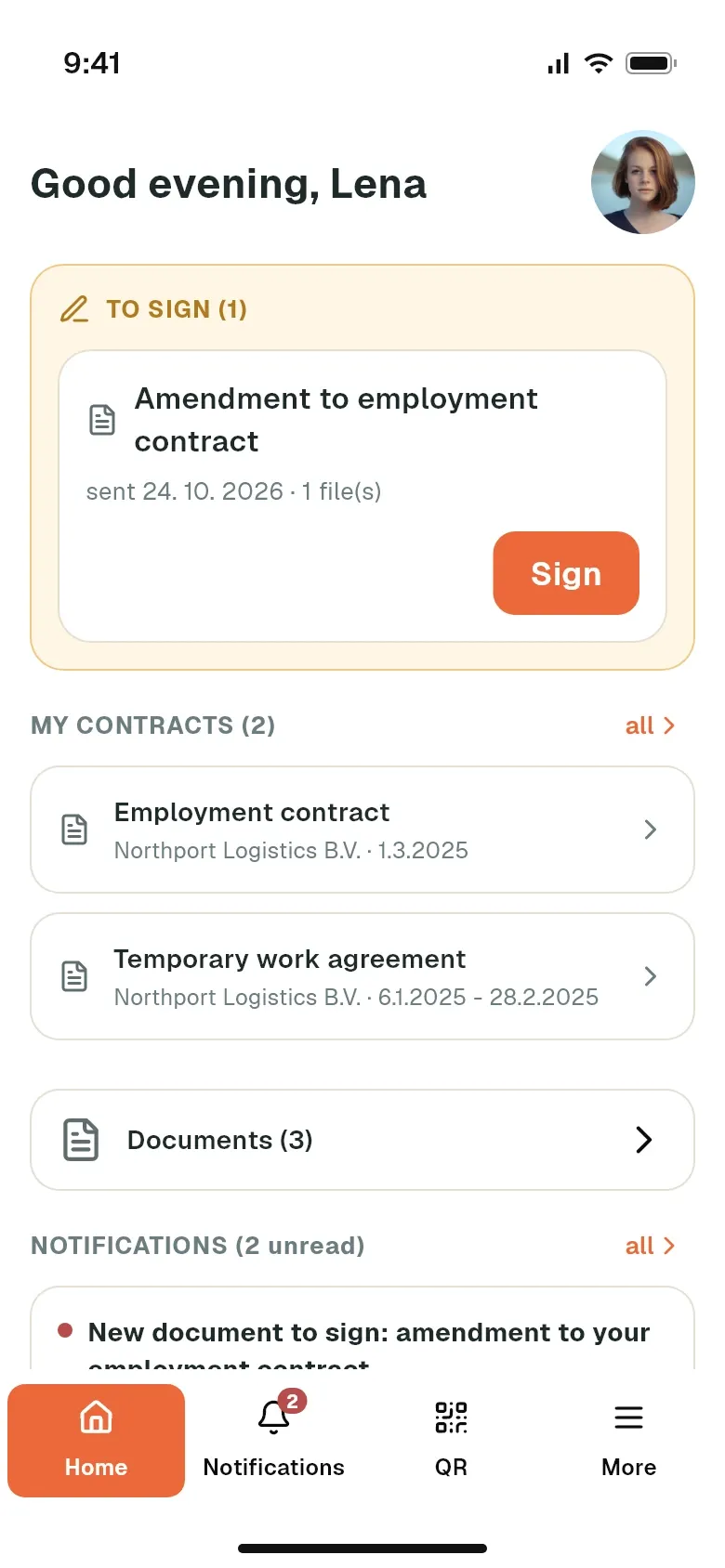
Verification with an SMS code
Before signing, the employee gets an SMS with a verification code. They only get to the document after entering it.
- The code is sent to the employee’s mobile
- The code can be resent
- Signing without printing or scanning
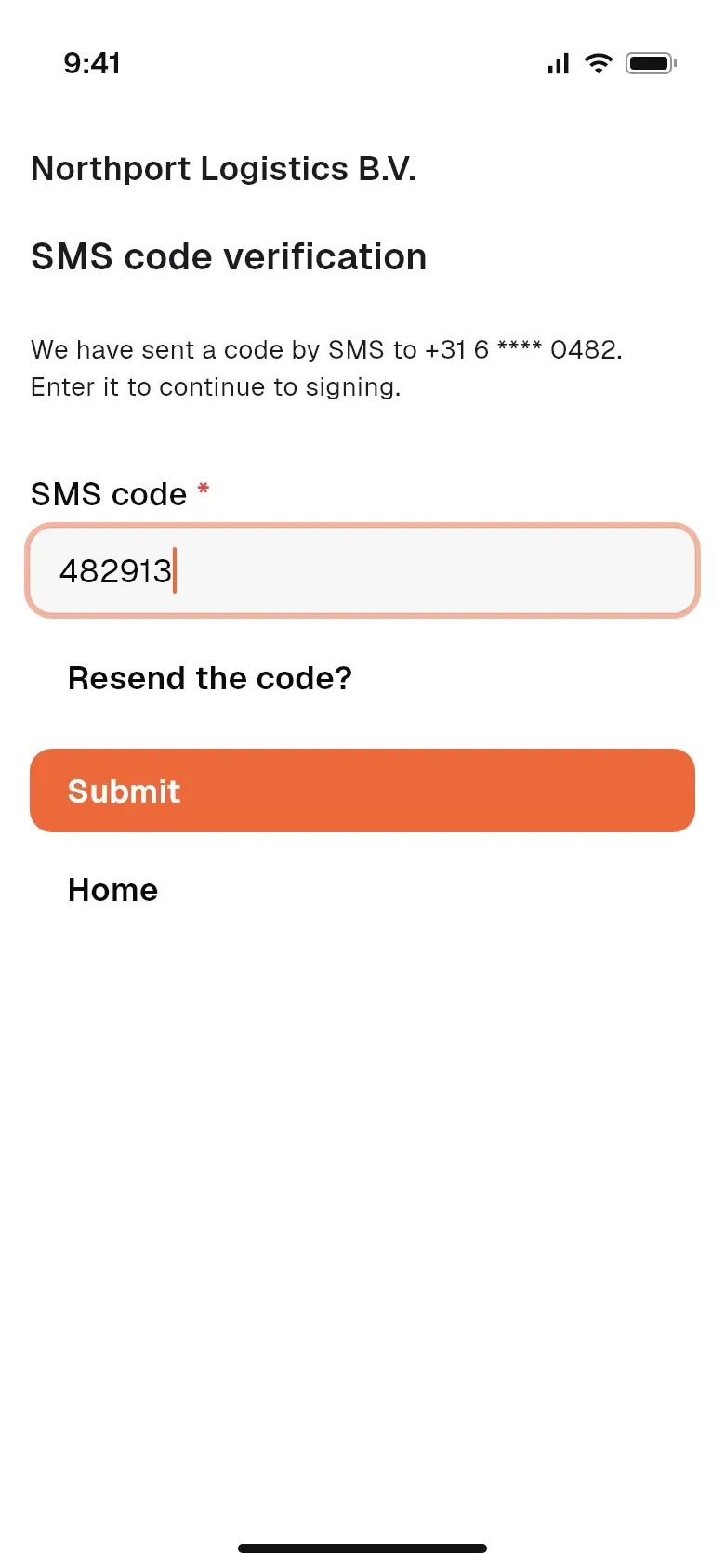
Checking details and signing
The employee checks their details, opens the documents in a preview and confirms the signature with the I agree button. If they disagree with the document, they reject it.
- Contract, addendum and attachments in one signature
- PDF preview of the document
- Agree or reject from the phone
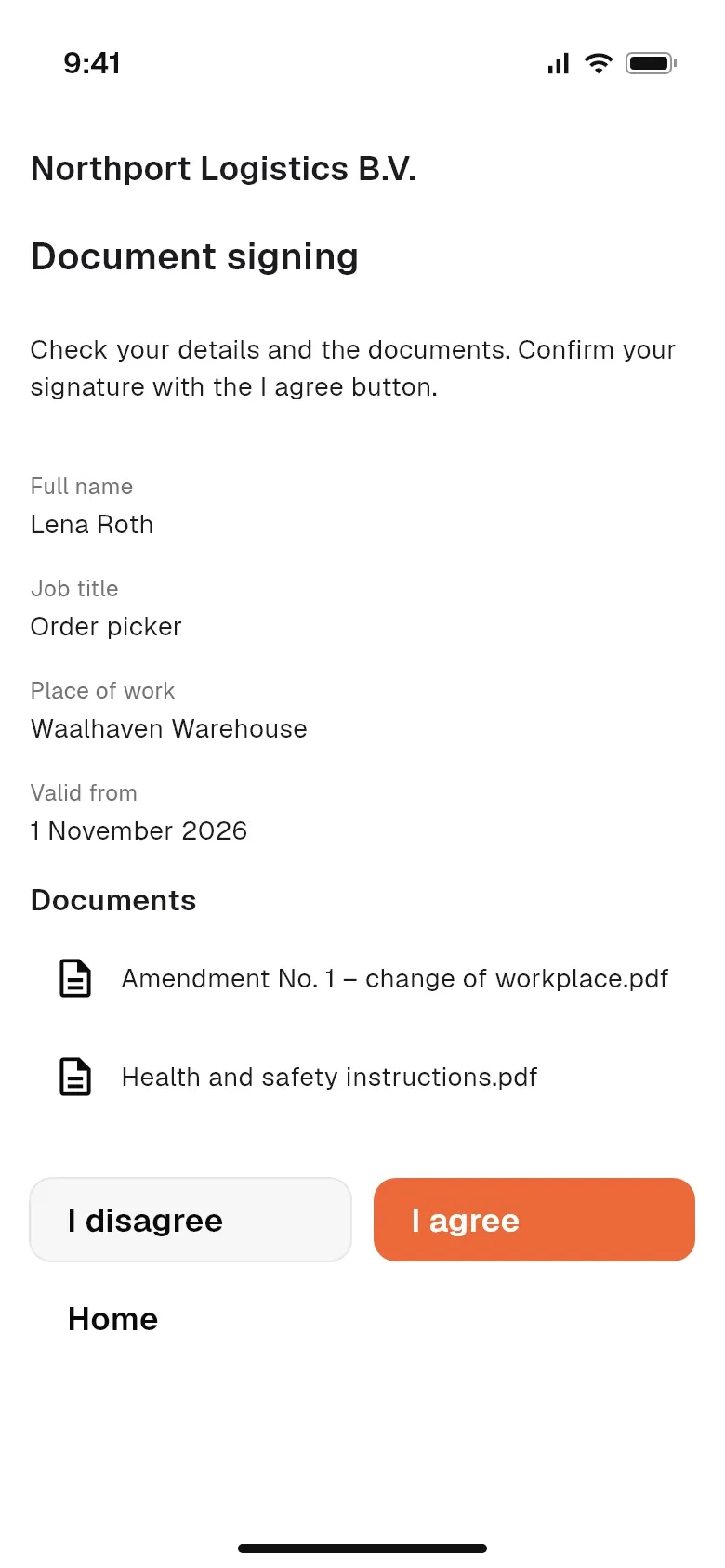
Contract overview
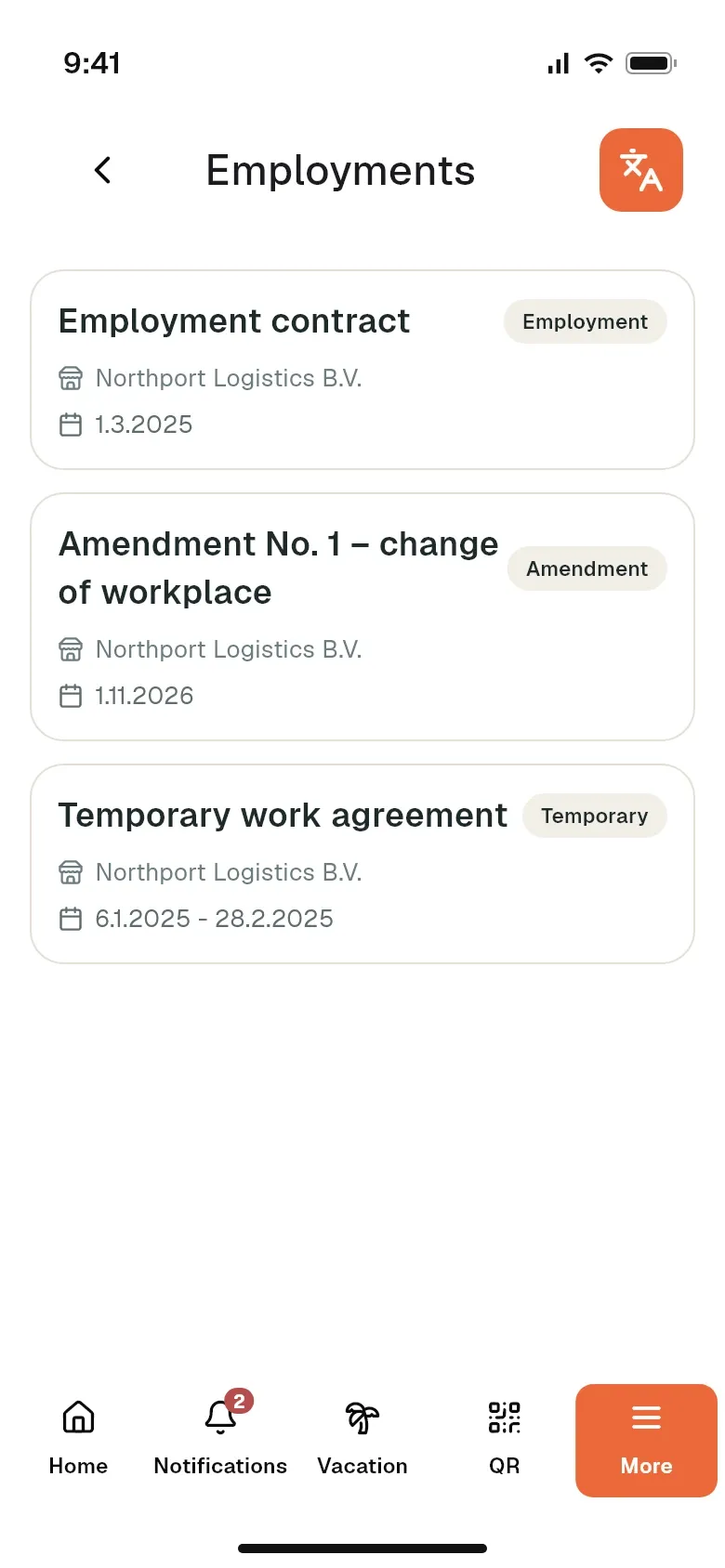
Valid and ended contracts and addenda are in one place. The employee opens and downloads any signed document.
- Valid and ended contracts
- Contracts, addenda and agreements
- Signed document available for download
Detail changes for approval
The employee enters a new address or bank account in their profile. The change is written to Stafio only after HR approves it; until then the field shows Waiting for approval.
- Address, contacts and bank account
- HR approves
- Details don’t change behind the agency’s back
Documents and the onboarding questionnaire
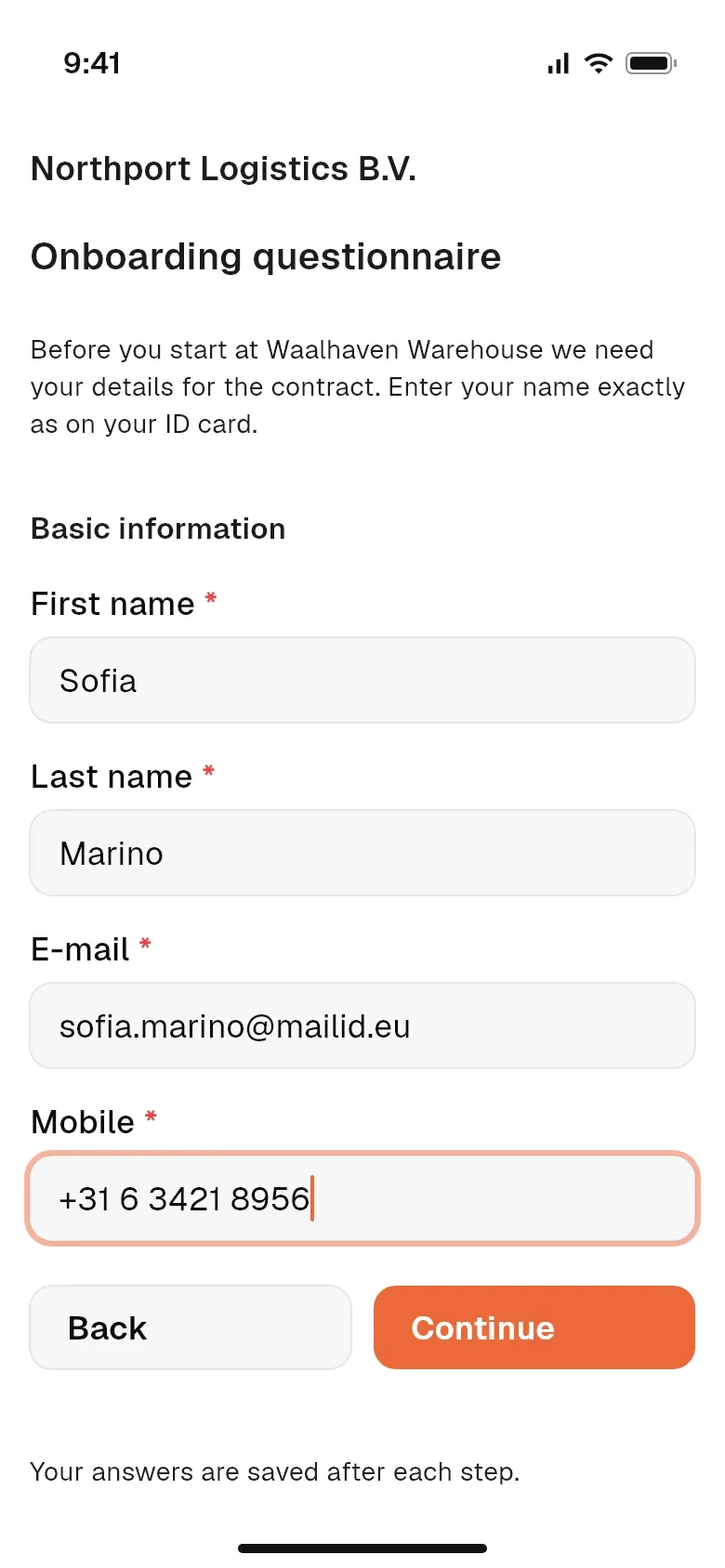
Certificates and other files you share with the employee are in the app. A new employee fills in the onboarding questionnaire themselves instead of a paper form.
- Certificates and other documents on the phone
- Onboarding questionnaire instead of paper
- Details filled in by the employee
Stafio GO mobile app
Apps for other groups
HR staff and coordinators
Communication, approvals and filling shifts. Stafio contacts on your phone are on the way.
Learn more →Who we are for
Stafio adapts to your company
Staffing agencies
Recruitment, documents, compliance and client invoicing in one place.
Learn more →Recruitment agencies
Candidates, clients and the whole recruitment process in one system.
Learn more →Cleaning & security agencies
People assigned to sites and a clear record of the work done.
Learn more →