
Stafio API
An open interface through which your website, recruitment system or AI recruiter connects to Stafio. One address, one request format and always only your account’s data.
POST https://<instance>/api/rpc/call
Content-Type: application/json
Content-Profile: api
Prefer: params=single-object
Authorization: Bearer <token>

{
  "version": 8,
  "func": "job.list",
  "params": { "limit": 20, "offset": 0 }
}What the API is for
What you can do through the interface
Job ads on your own website
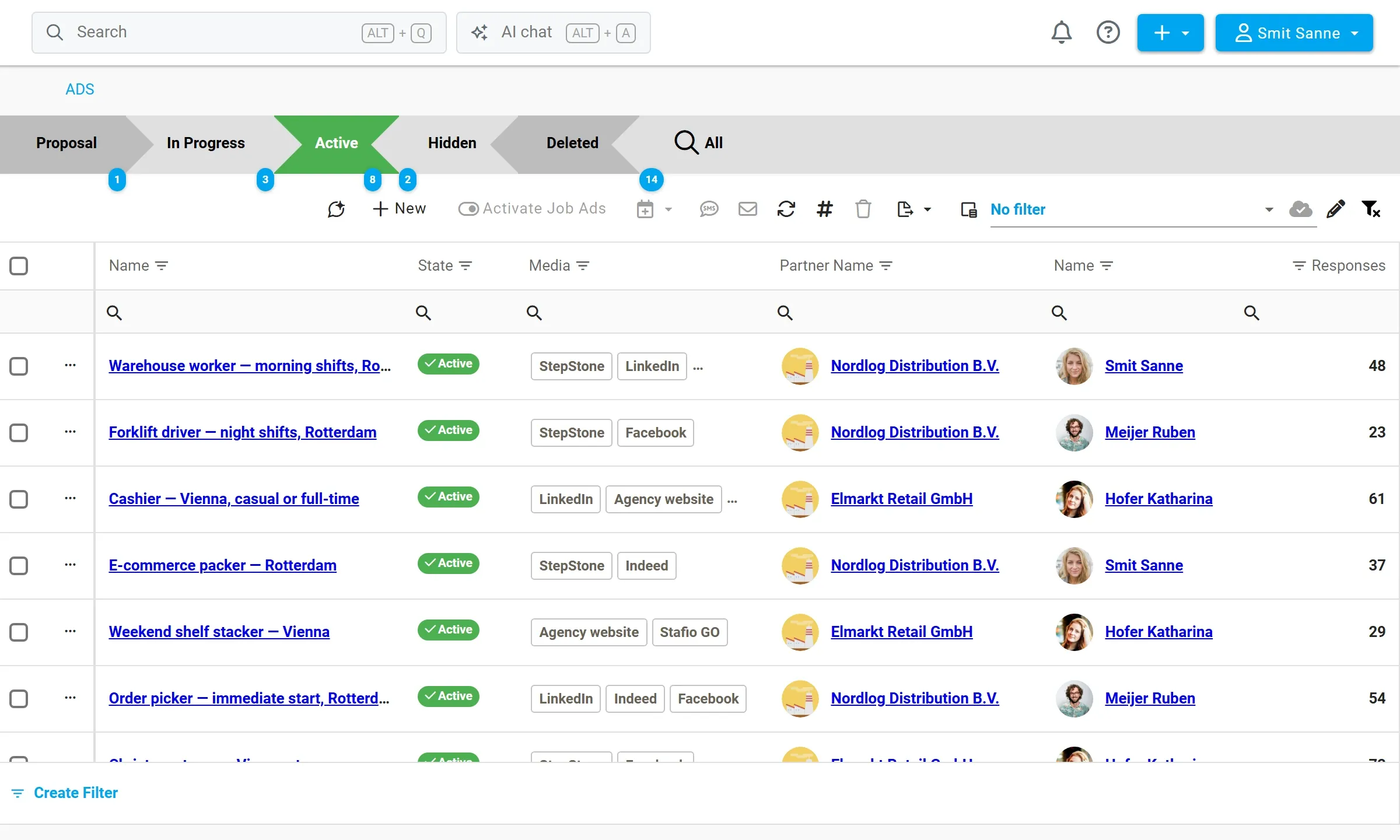
Show job ads from Stafio on your website, and replies go straight into recruitment — no exports and no creating candidates by hand.
- List and detail of a job ad including description, gallery and video
- A reply to an ad creates the candidate and their response
- The CV is attached to the reply and set as the CV
Candidates from an external system
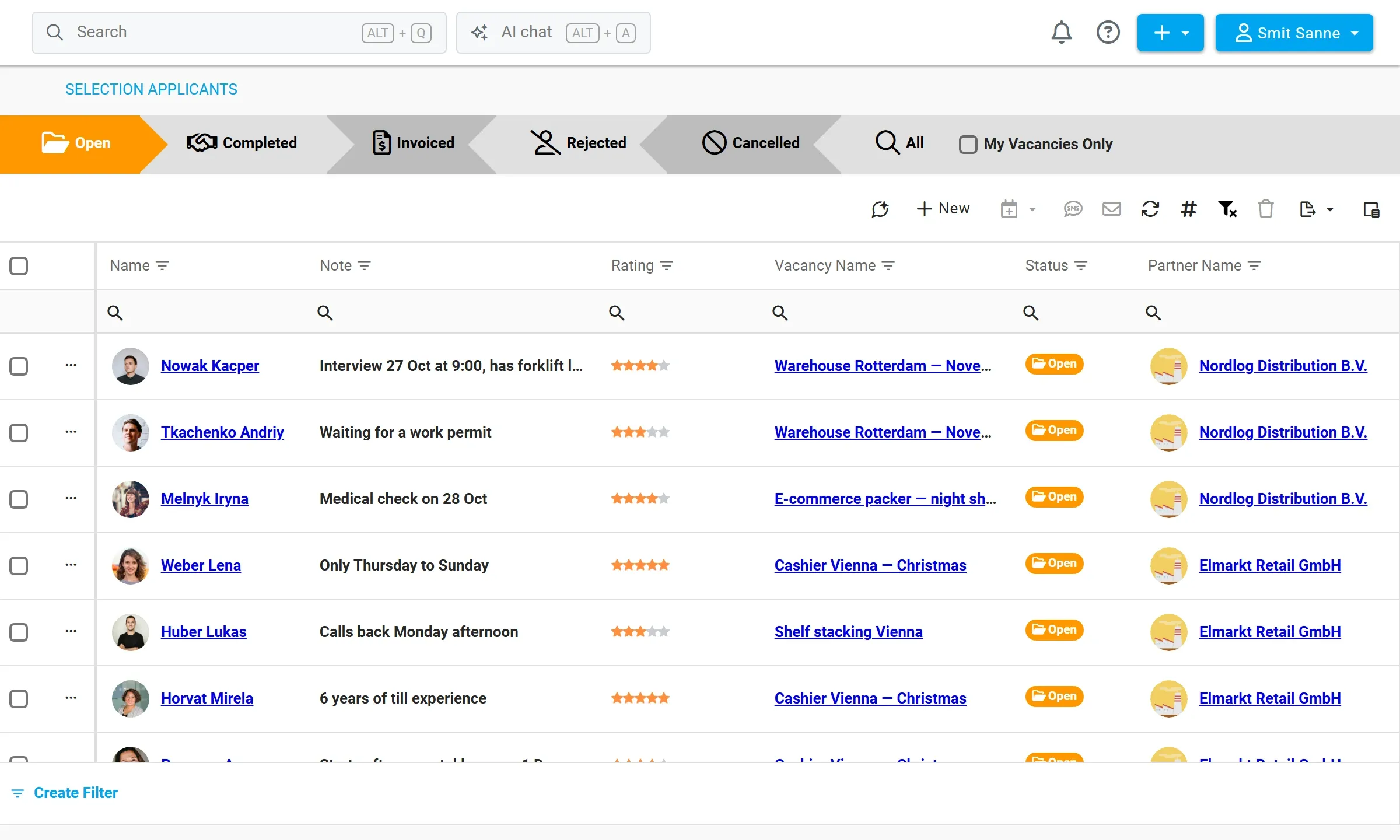
Another tool can collect candidates — a recruitment system, a career website or an AI recruiter that pre-screens applicants by phone. They are handed over to Stafio, and recruitment, onboarding, shifts and attendance then run in one place.
- Candidate registration even without a specific job ad
- The pre-screening note stays with the person
- Matching by email; the API rejects duplicate registrations
Your own SMS gateway
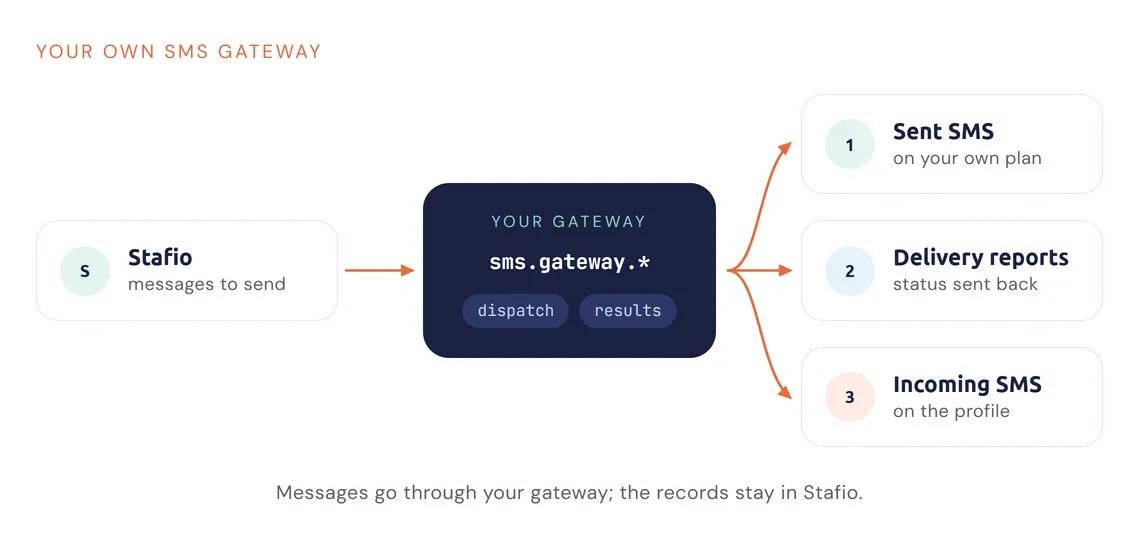
If you have your own SMS gateway or a discounted tariff with an operator, connect it to Stafio and messages go out through it.
- Gateway configuration and handing out messages to send
- Delivery results reported back to Stafio
- Incoming messages and calls on the person record
Access under the integration’s own account
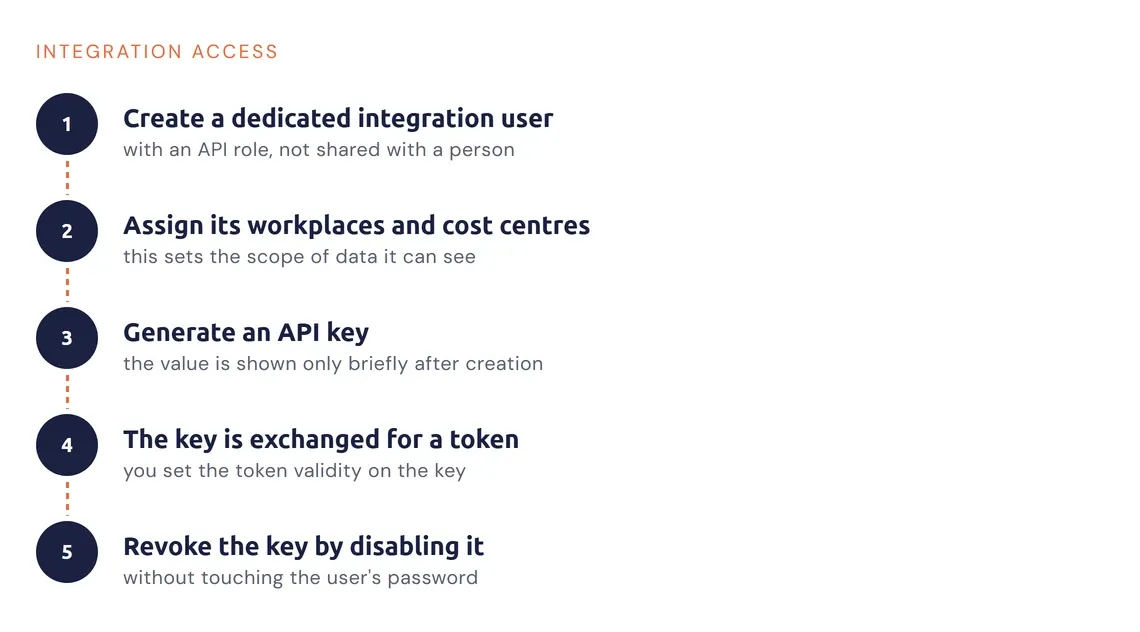
The token is not created by hand — the API issues it against an API key. The integration supplier never needs the password of the account it runs under.
- Every integration has its own user with an API role
- Assigned workplaces and cost centres define the data scope
- An API key is revoked by disabling it, without touching the user’s password
How the API works
One address, one response shape
You don’t call different paths per function — a request always goes to the same endpoint and the body says what to do. The body has three fields: version (contract version), func (logical function name) and params. The header Prefer: params=single-object is mandatory.
The response always has the same shape, whatever the outcome. Errors come back in the same envelope and are told apart by the ok field and the error structure — the client gets uniform handling and doesn’t deal with different status codes.
{
  "ok": true,
  "version": 8,
  "func": "job.list",
  "data": [ { "job_id": 1042, "name": "Warehouse operative" } ],
  "meta": { "row_count": 1 },
  "error": null
}
Function overview
What the interface can do
| Function | What it is for | Main parameters |
|---|---|---|
ping | Availability check | no parameters |
job.list | List of job ads | region_id, work_type_id, partner_id, label_ids, limit, offset |
job.detail | Job ad detail including description, gallery and video | job_id |
job.response | Reply to a job ad — creates the candidate and their response | job_id, first_name, last_name, email, mobile, response_text, cv_file_name, cv_base64 |
person.register | Candidate registration without a link to a job ad | first_name, last_name, email, mobile, cost_center, emergency_contact, note, cv_file_name, cv_base64 |
department.list | Workplaces assigned to the calling account | no parameters |
cost_center.list | Cost centres (“I want to work as”) | department_id |
sms.gateway.* | Your own SMS gateway — configuration, handing out messages, delivery reports, incoming messages and calls | depends on the function |
The API sends no email on its own. A confirmation or welcome message is only created when the call passes the ID of an email template — you manage the template in your account.
Related modules
Goes well with
Recruitment & CRM
Candidates from the API continue through the usual recruitment process.
Learn more →